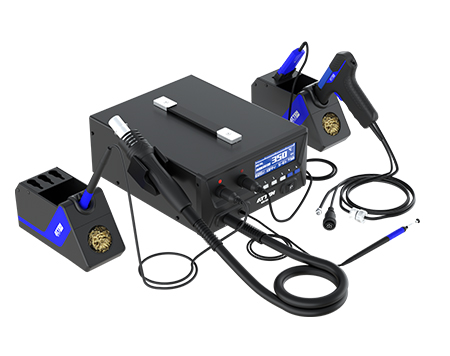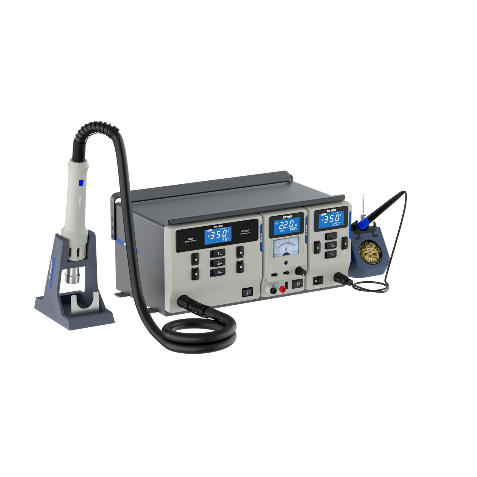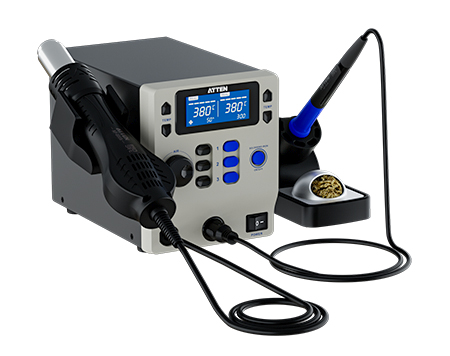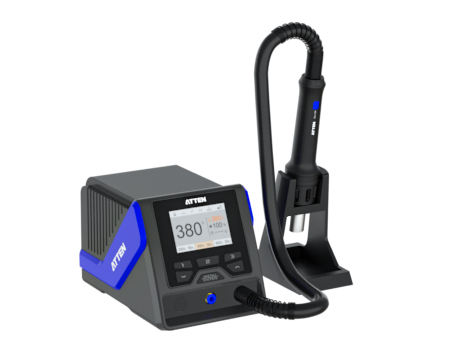
Introduction: Technical content editors can read MS-1600 accessories and consumables more accurately by separating operating tools, support parts, vacuum items, consumables, and downloads.
For a B2B product content editor, the challenge is not only naming every item in the MS-1600 package. The harder task is assigning each item the right page role without turning visible accessories into unsupported compatibility claims, maintenance schedules, or operating instructions. The MS-1600 rework station sits in a professional soldering and rework station category, so its package contents should be read as a structured equipment set: core tools first, accessory support parts second, consumables and download resources separately.
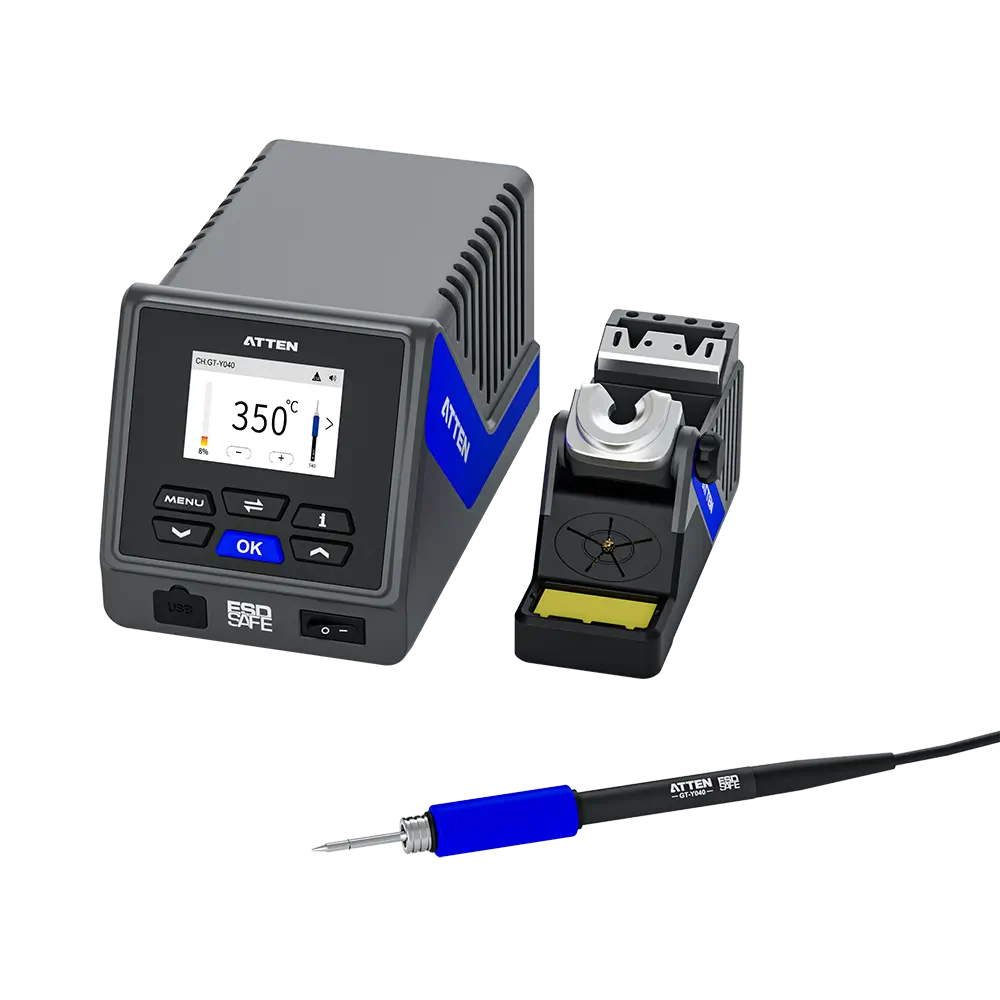
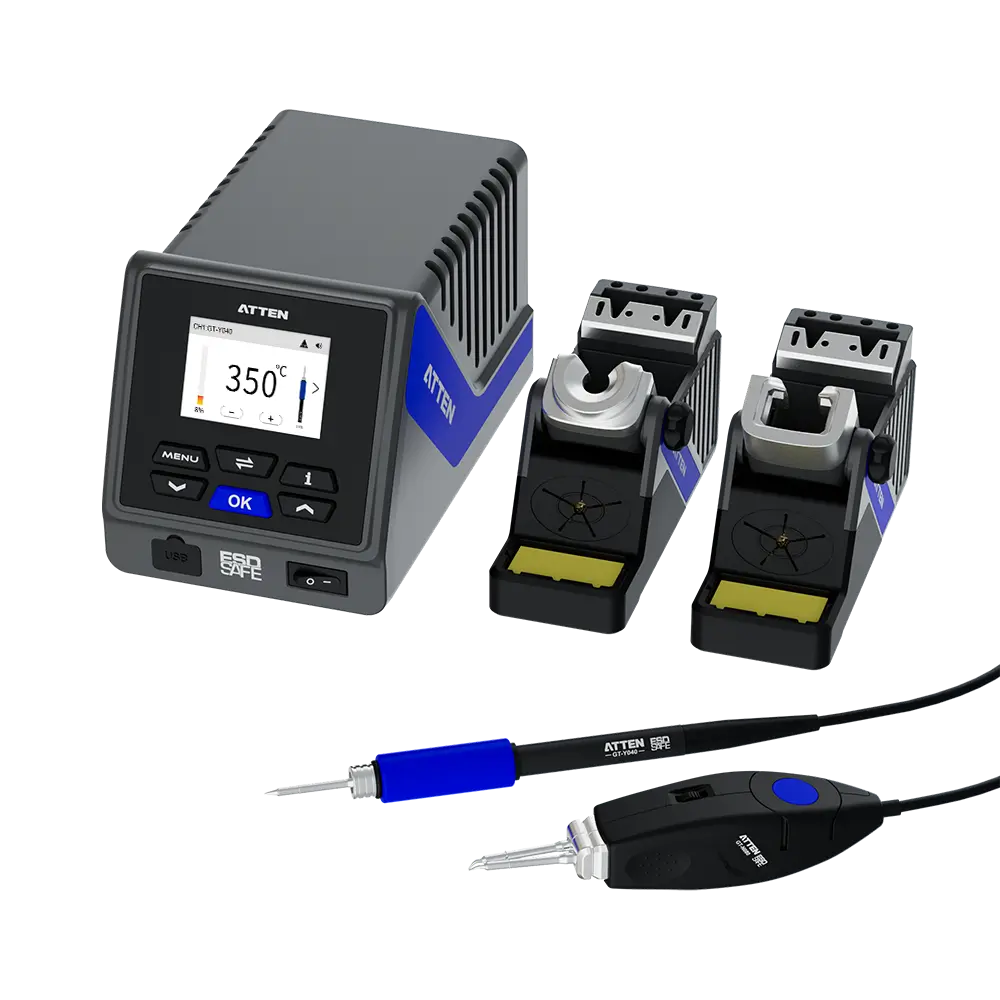
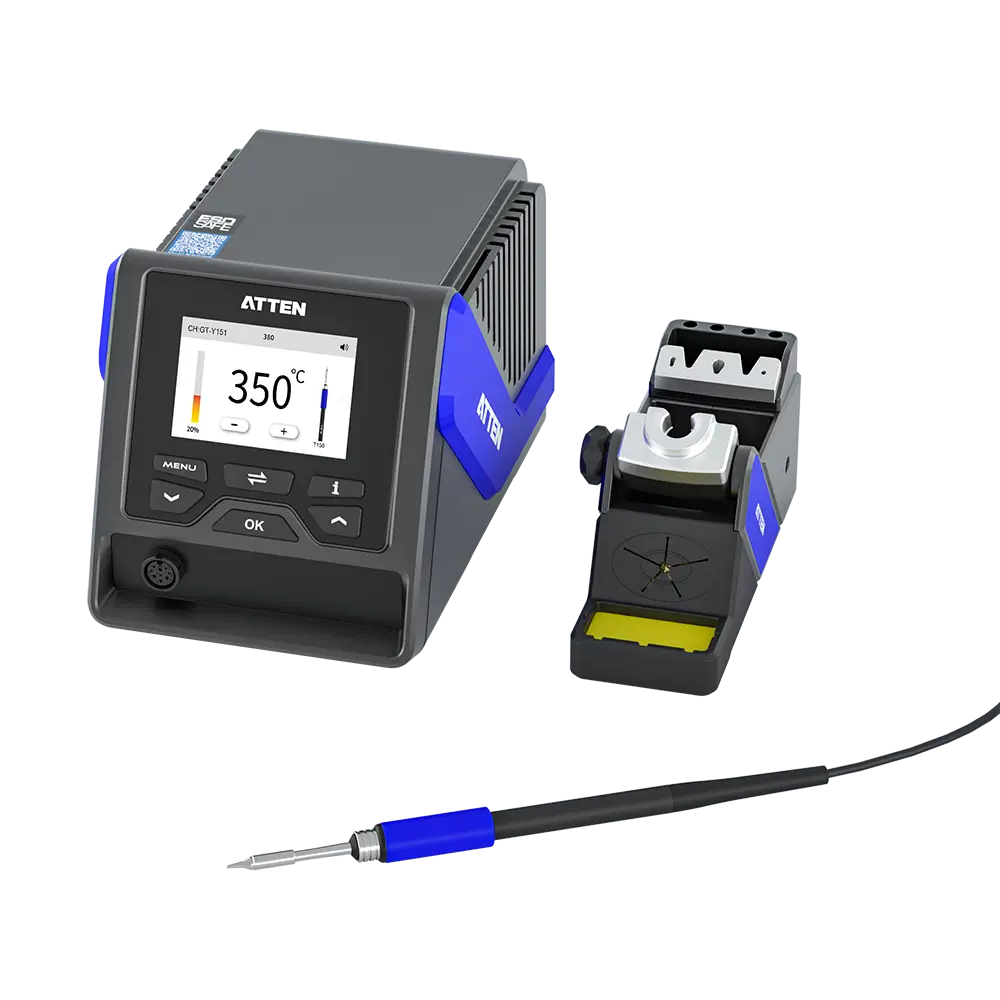
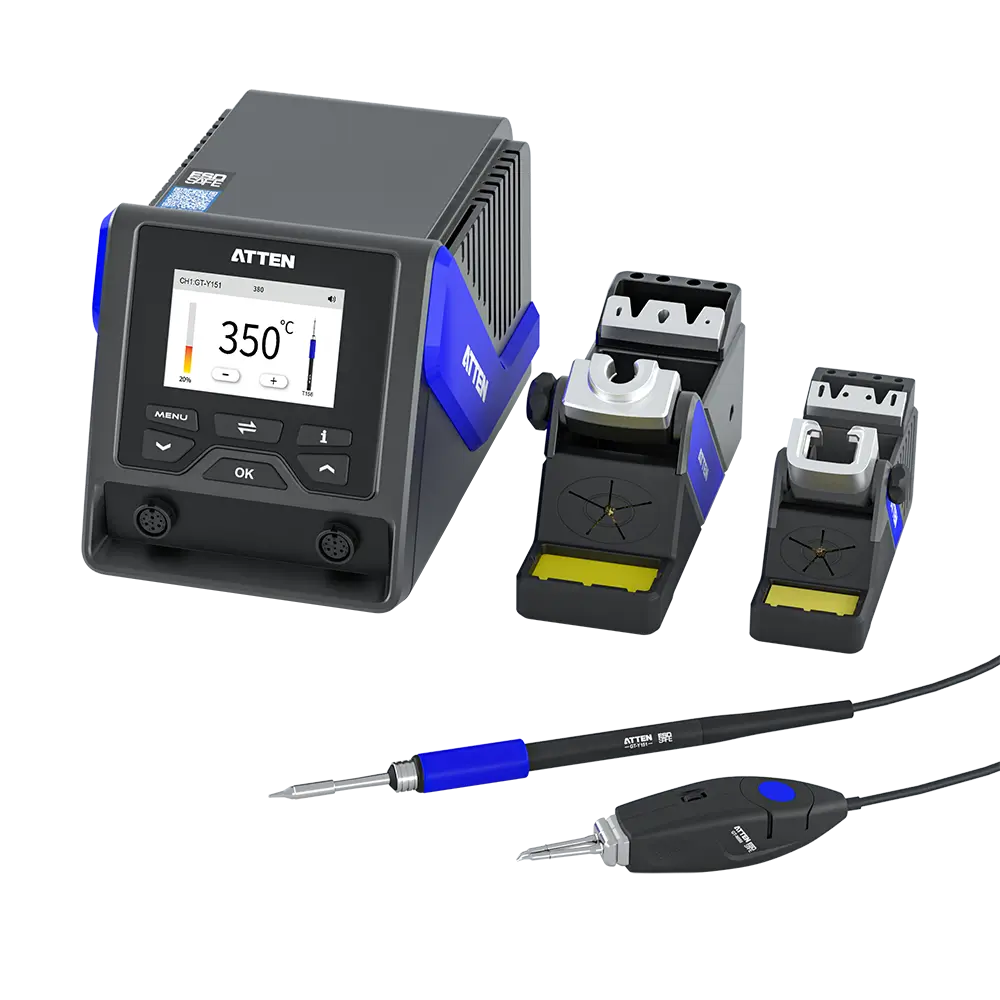
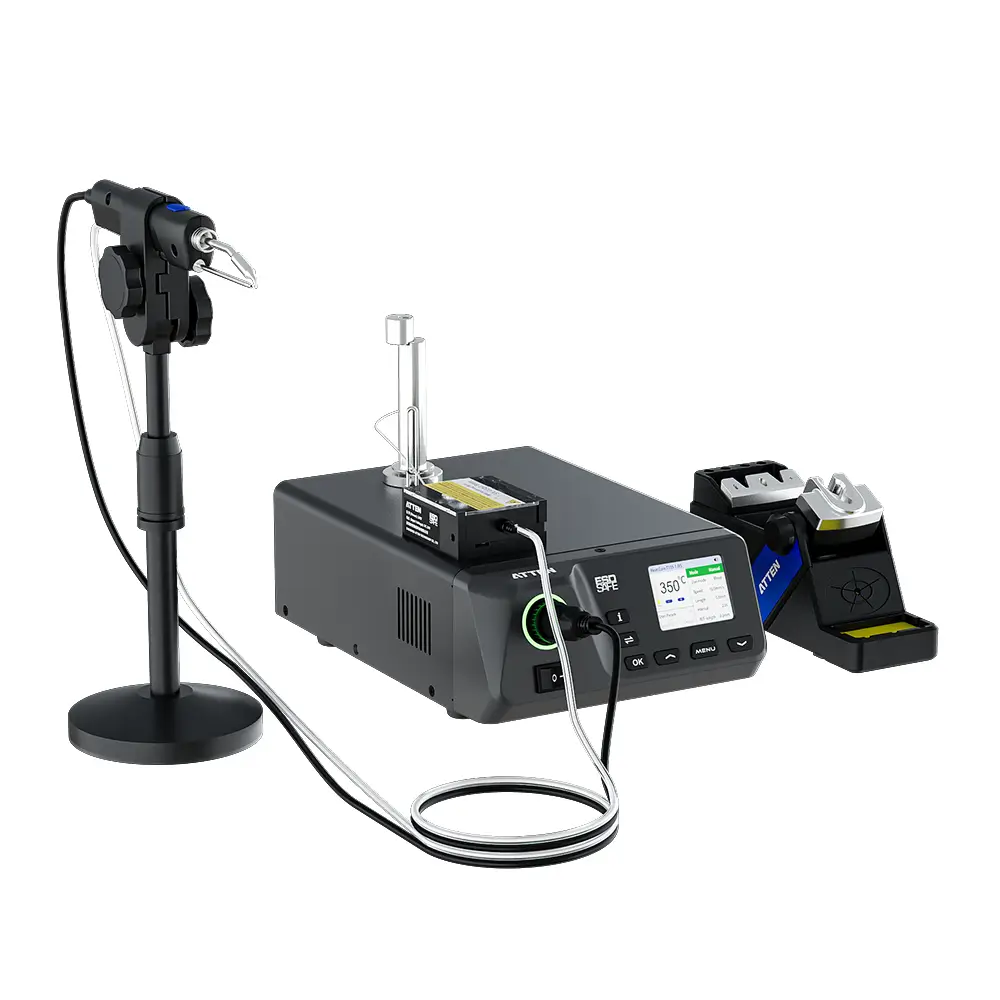
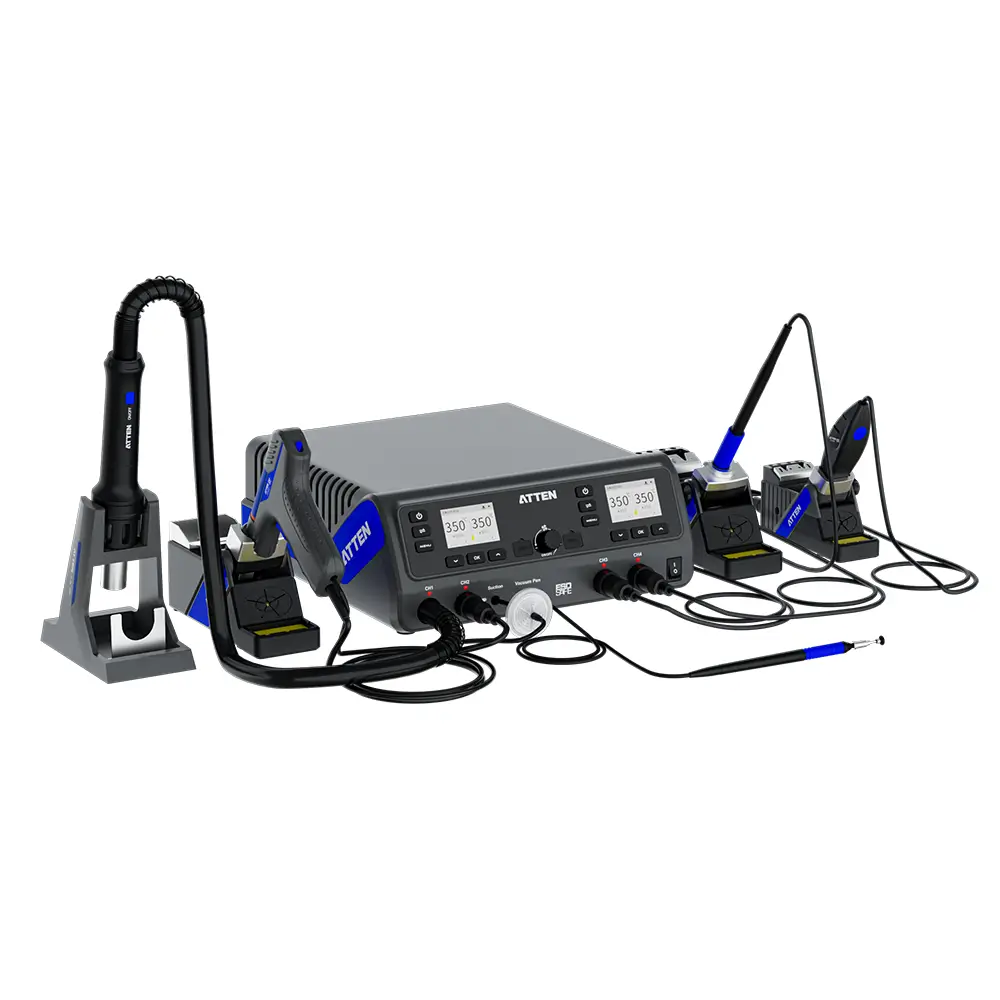
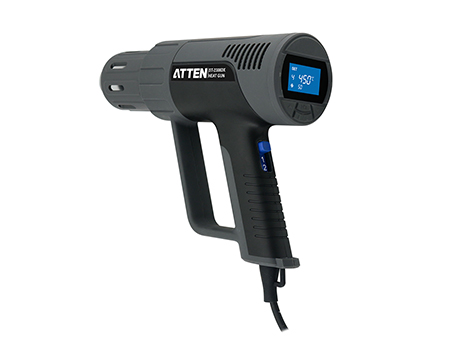
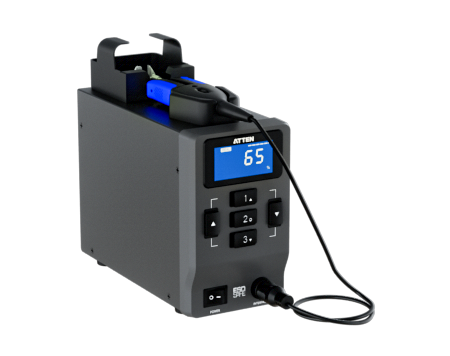
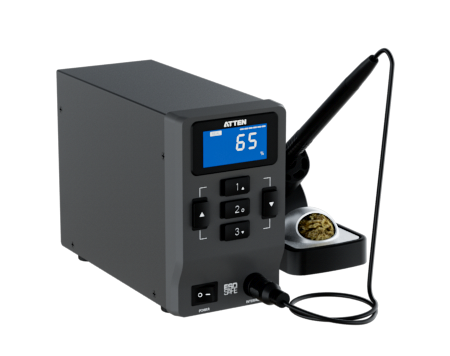
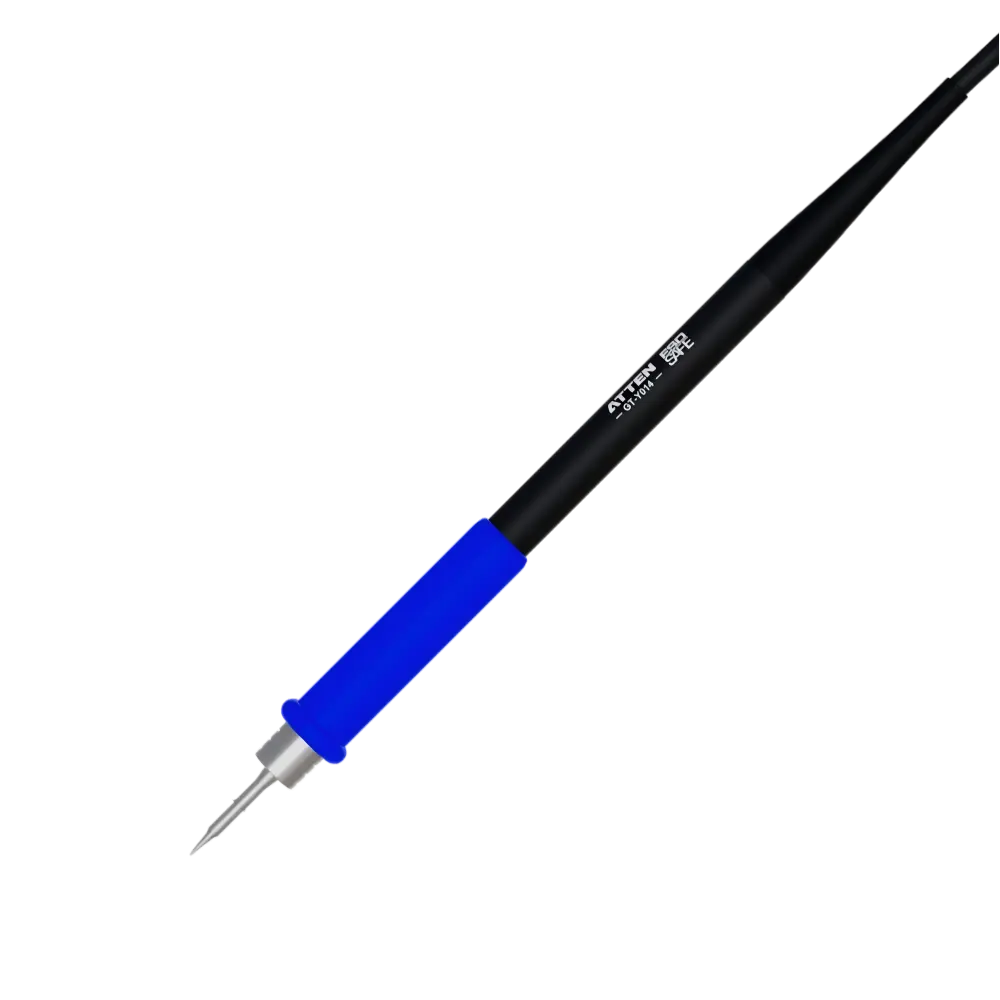
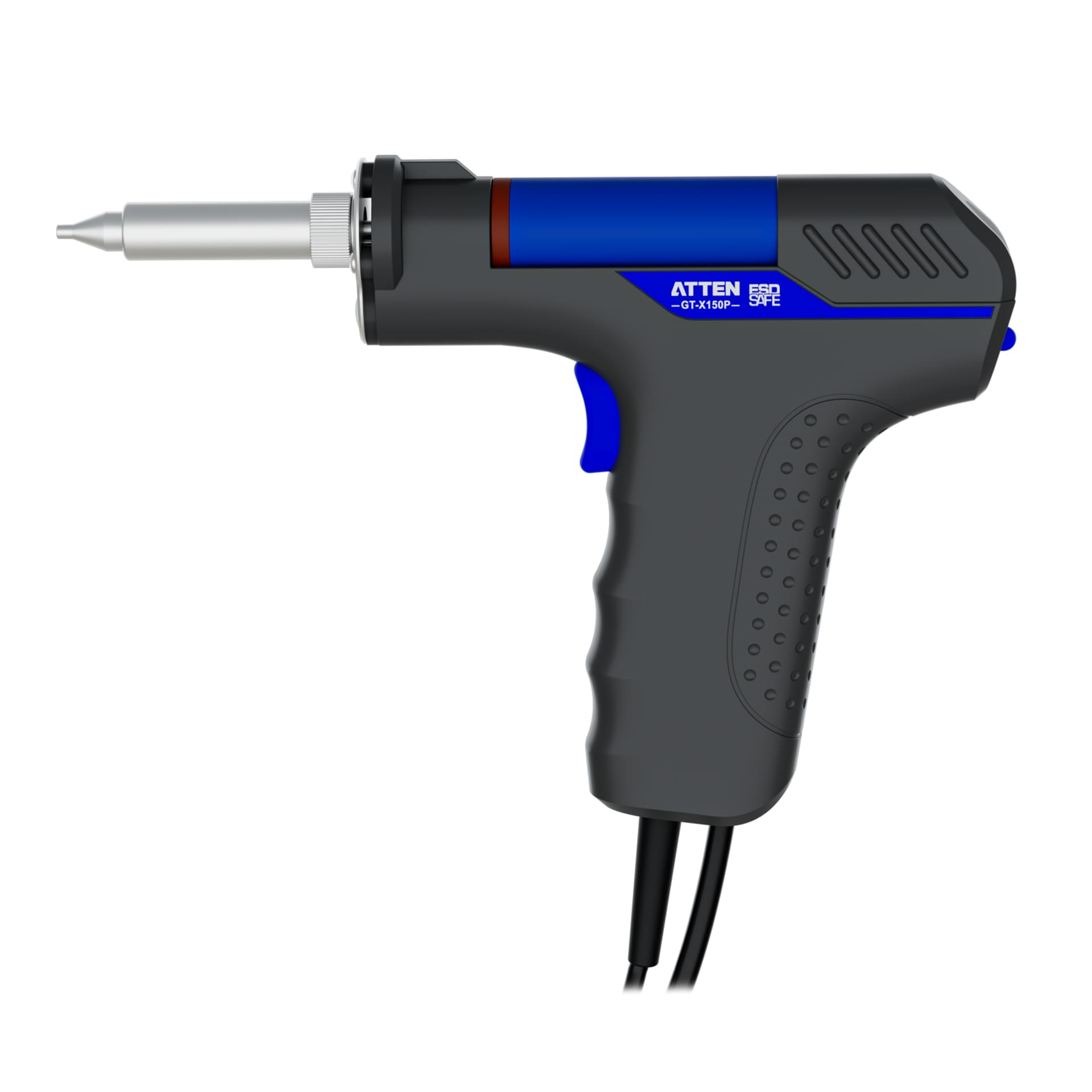
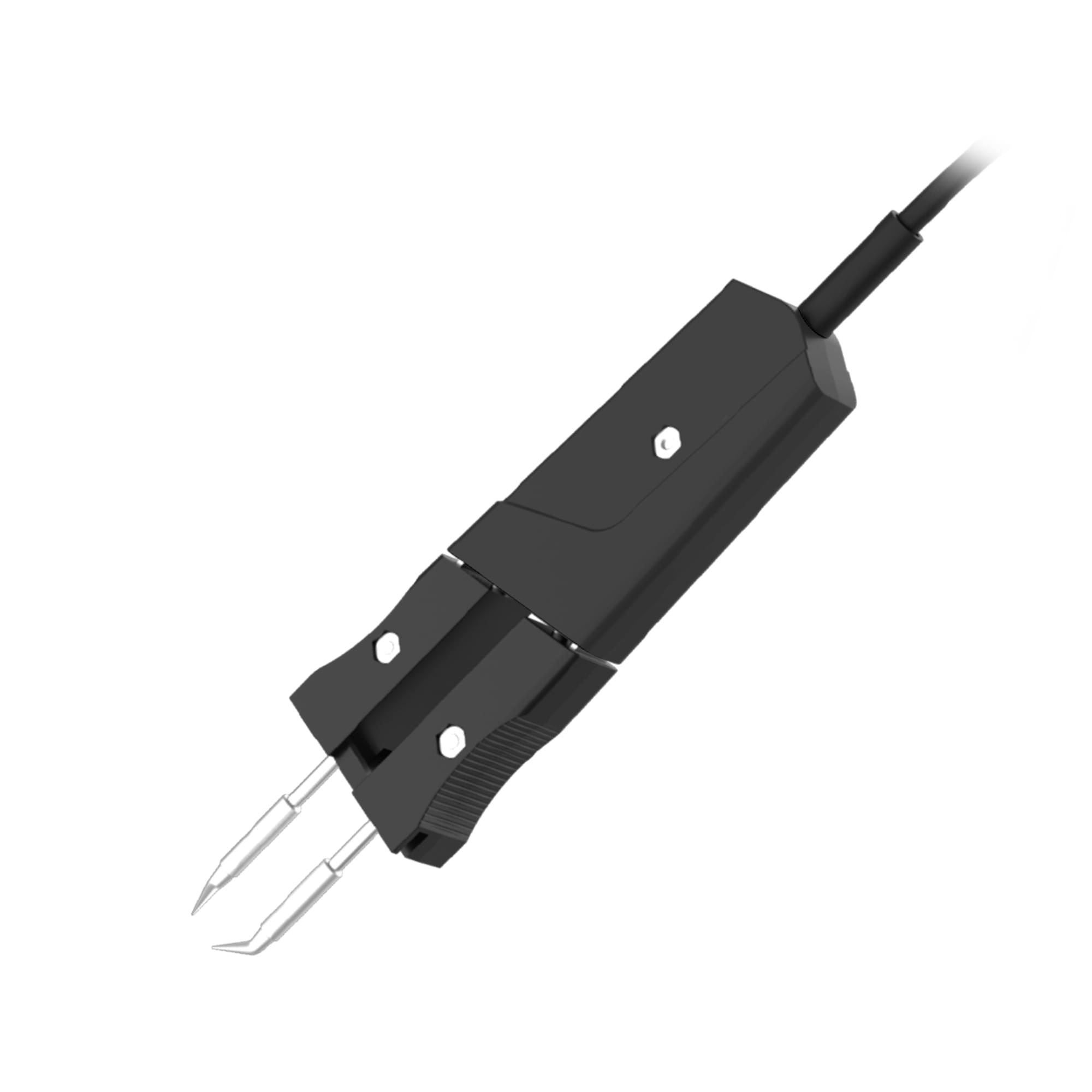
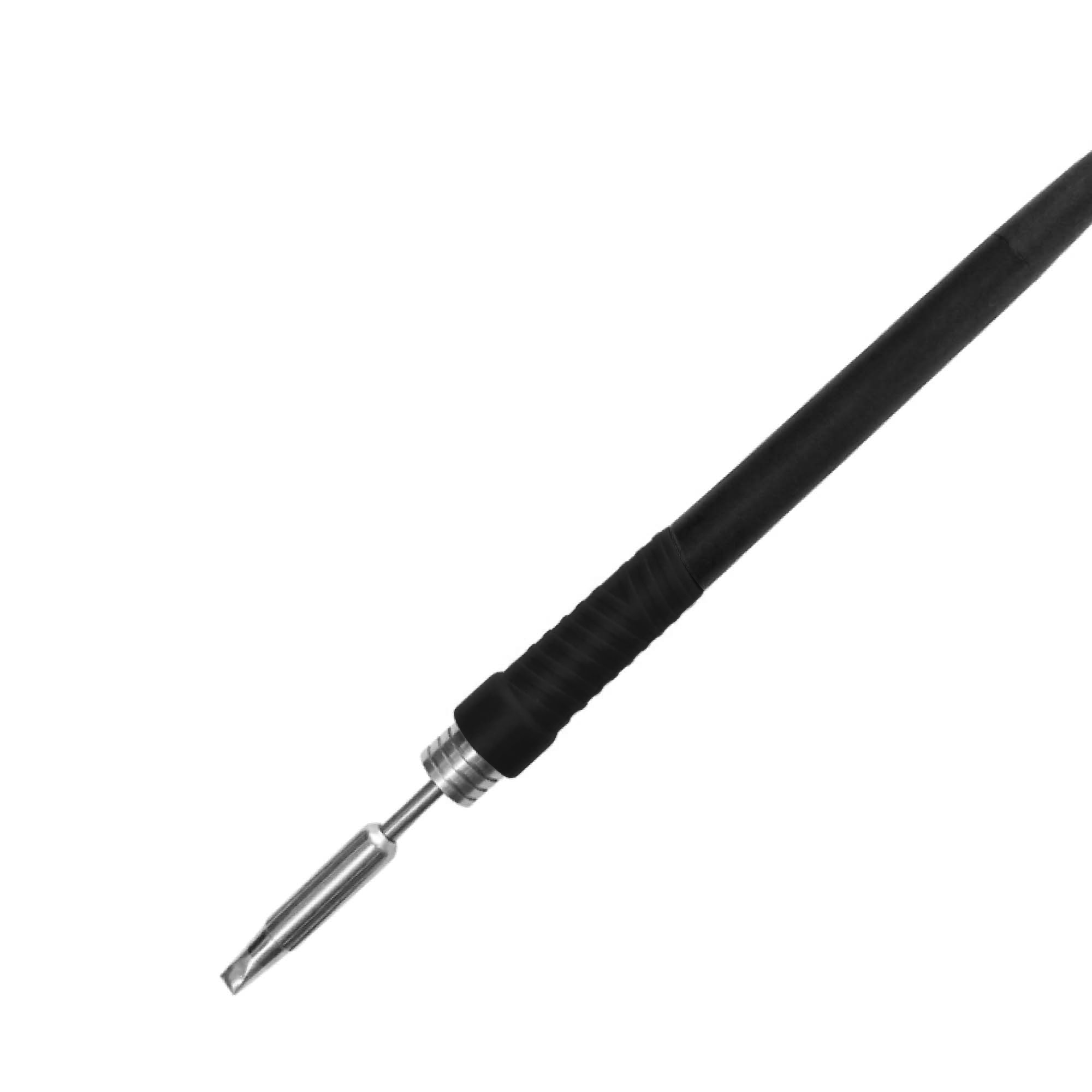
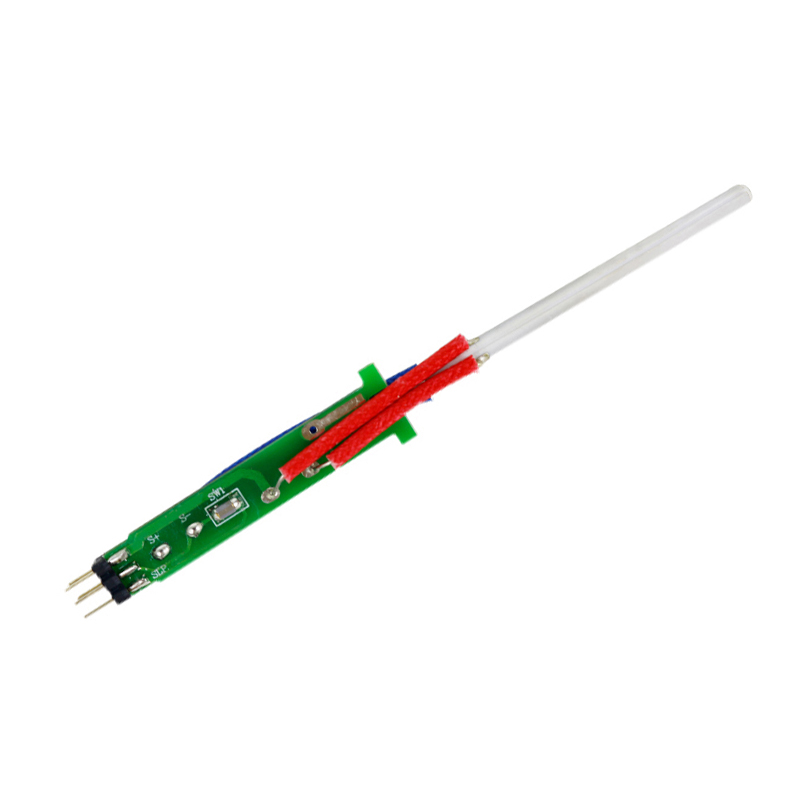
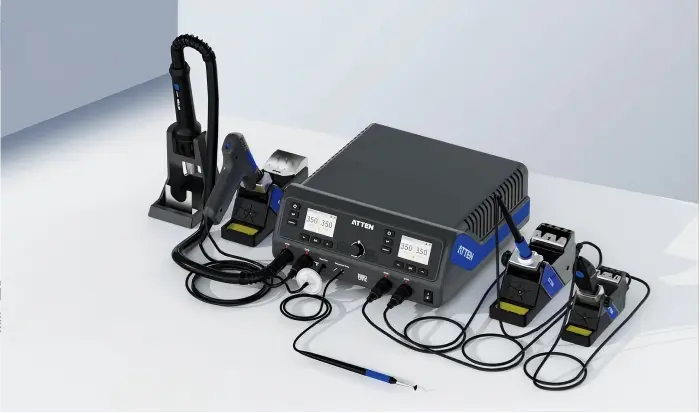
The strongest structural signal in the MS-1600 package is the group of core operating tools: the GT-Y151 soldering iron handle, GT-X151 desoldering gun, SP-202D hot air gun, and GT-N080 electric tweezers. These names matter because they help a content editor understand why the product is not a single hot air desoldering station or a standalone soldering iron. The package points toward a multi-tool bench setup for soldering, desoldering, hot air handling, and tweezer-based heating tasks. That is enough to explain the role of each visible tool, but it is not enough to invent exact temperature ranges, power ratings, vacuum values, heating speed, or supported component packages. This distinction is useful for commercial content because many B2B readers scan package contents before they scan deeper technical documents. A procurement researcher, repair bench planner, or product editor may see a long list of model codes and mistake them for interchangeable spare parts, full operating proof, or a compatibility system. A better reading is to treat GT-Y151, GT-X151, SP-202D, and GT-N080 as the main operating layer of the ATTEN MS-1600 package. The soldering iron handle relates to soldering work, the desoldering gun relates to solder removal, the hot air gun relates to hot air rework tasks, and the electric tweezers relate to heated gripping or component handling. General soldering education sources can explain why soldering tools, solder, heat, and wetting behavior are central to electronics work, but they do not confirm the MS-1600’s detailed process limits or component coverage. For a technical content editor, that creates a practical writing rule: describe the operating tools by their confirmed names and visible roles, then stop before turning role language into performance language. The phrase “rework station accessories” can appear naturally around this content, but the four core tools should not be reduced to ordinary loose accessories. They are part of the package structure that makes the MS-1600 rework station readable as a combined bench system. If a later product specification, manual, or support document provides detailed parameters, those details can be added in a separate technical section. Without that evidence, the more accurate commercial explanation is that the core tools establish functional direction, not full operating capability.
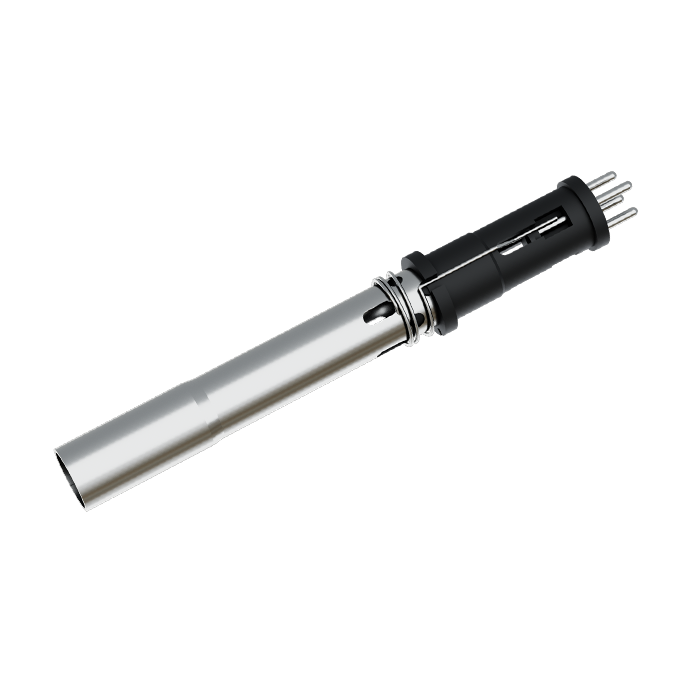
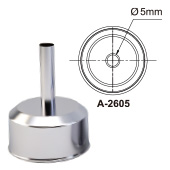
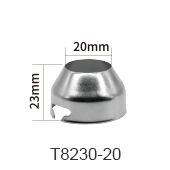
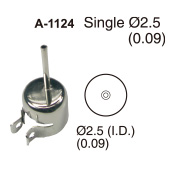
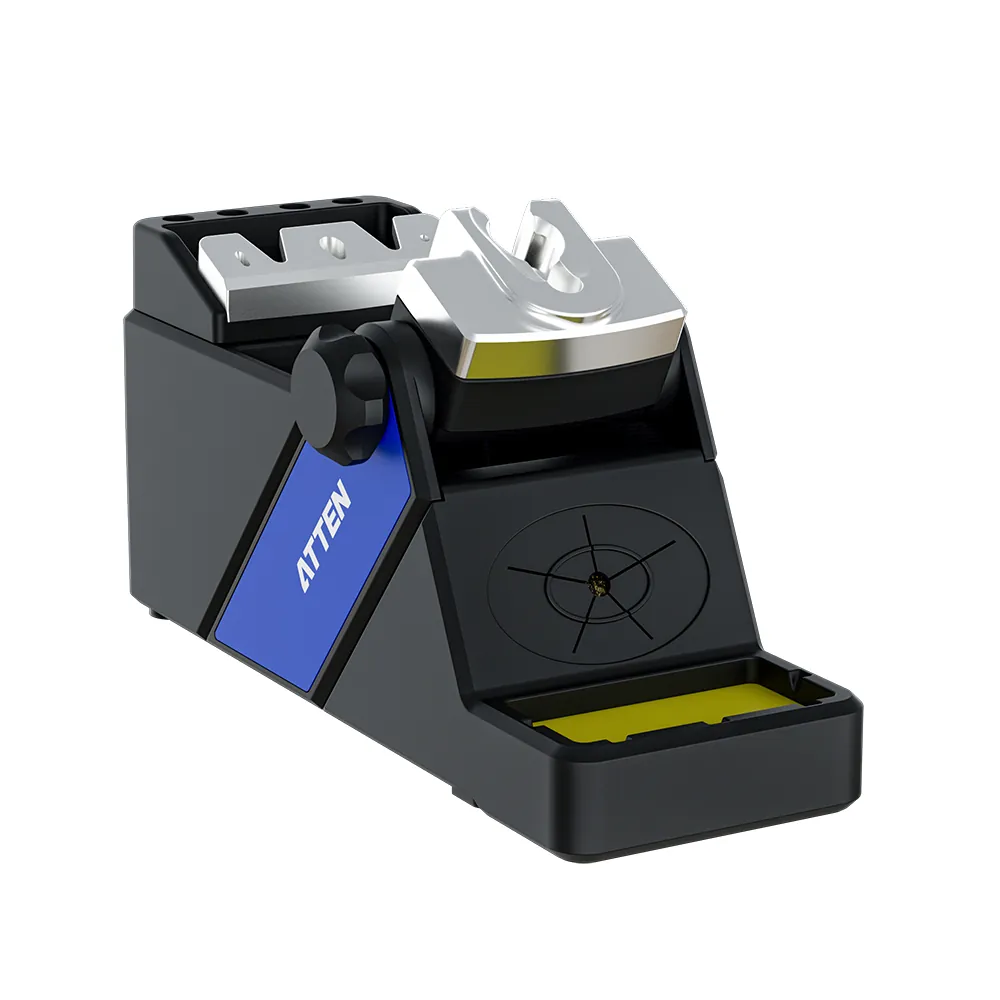
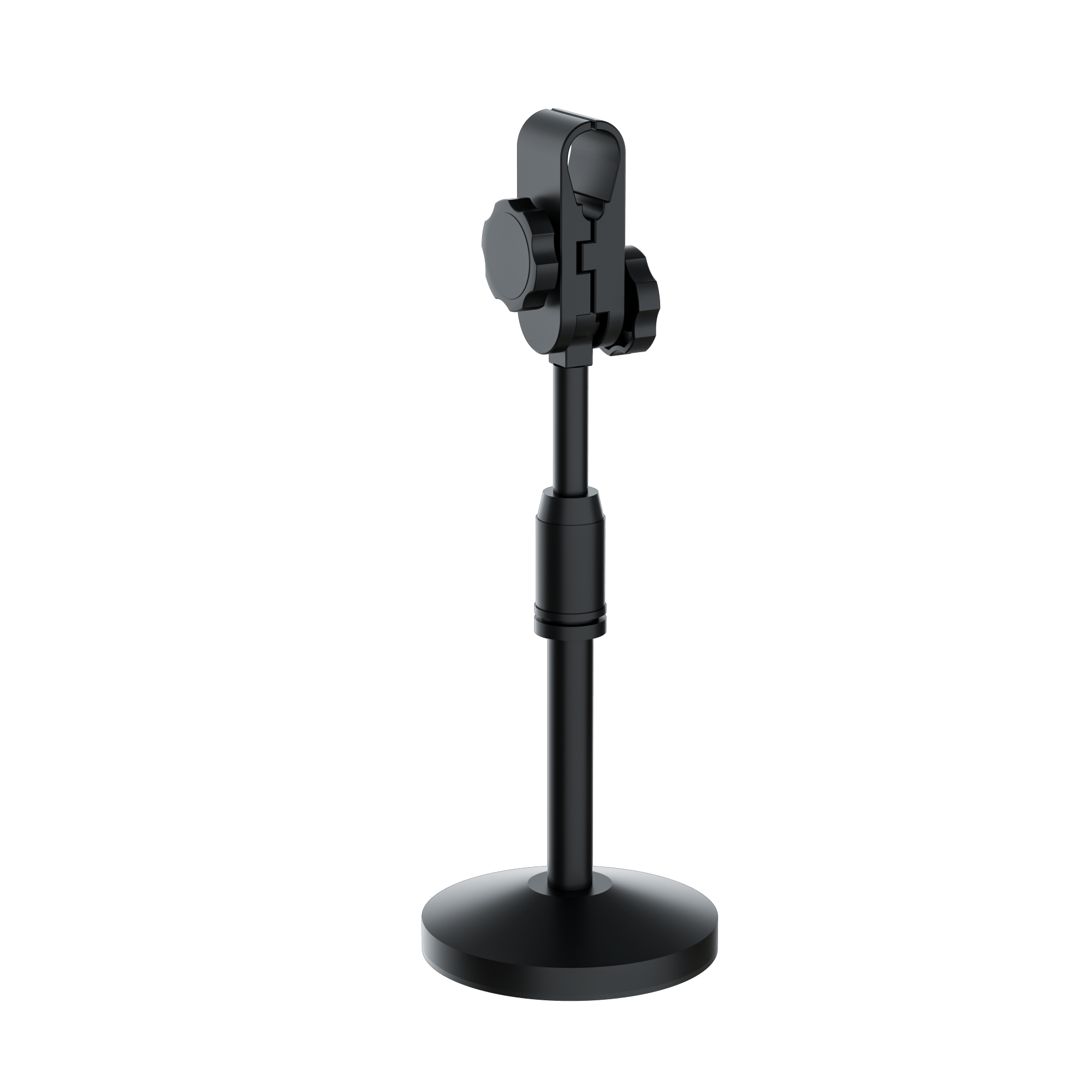
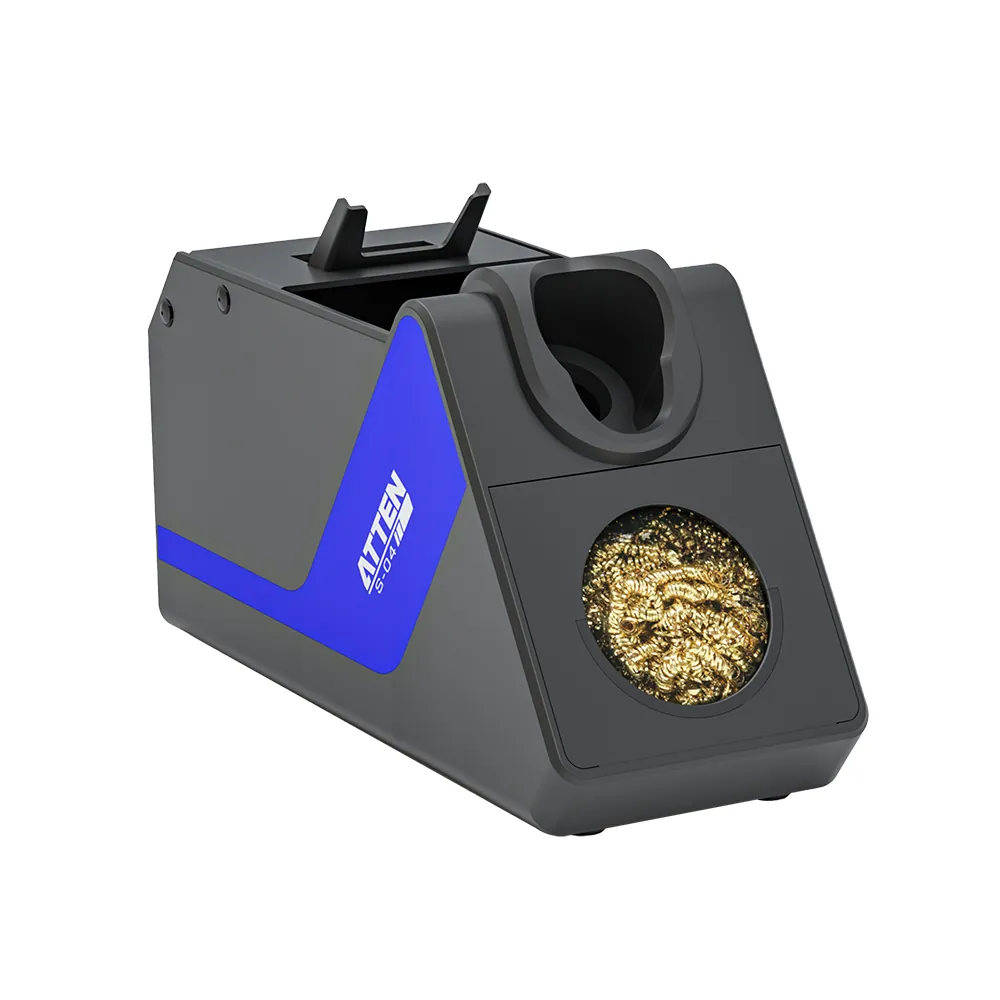
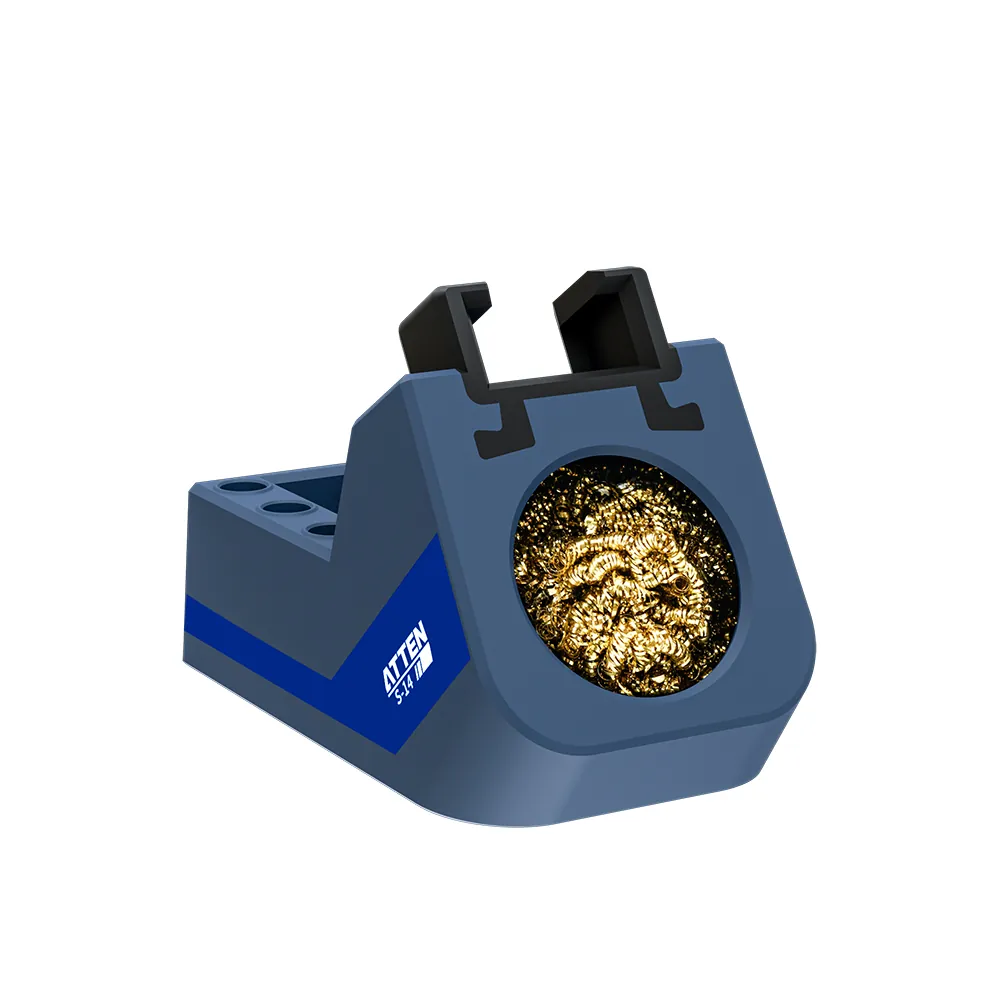
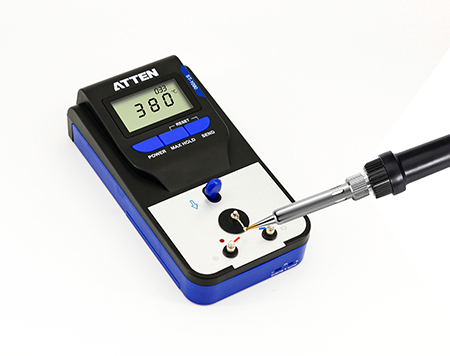
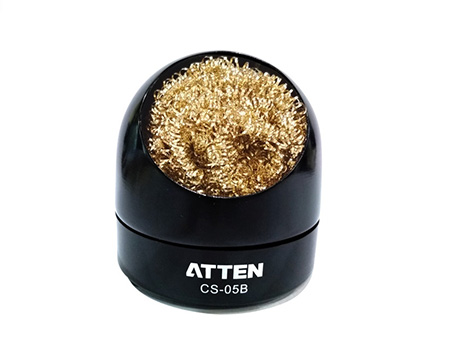
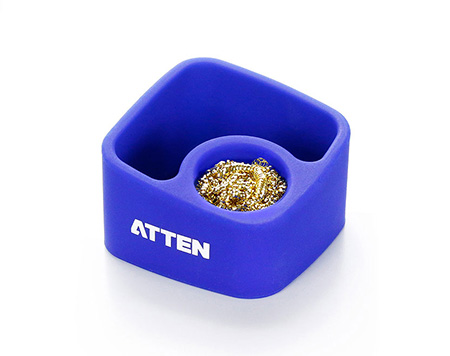
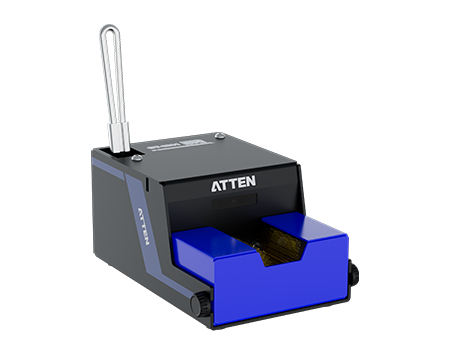
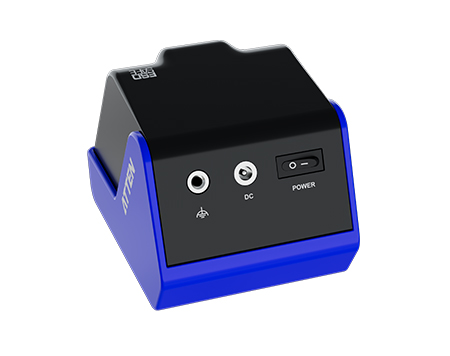
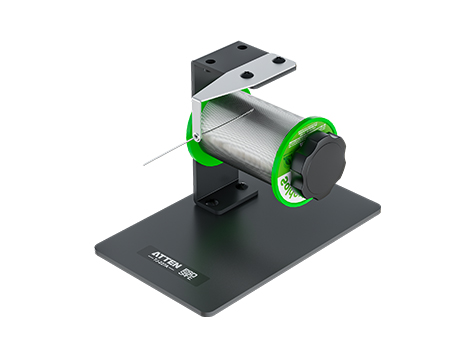
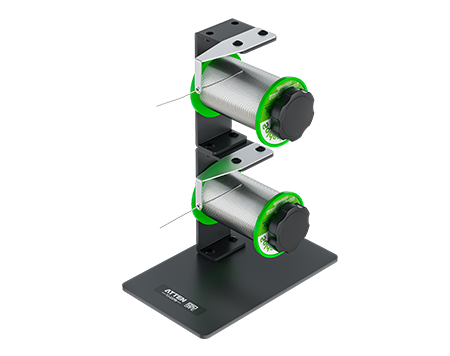
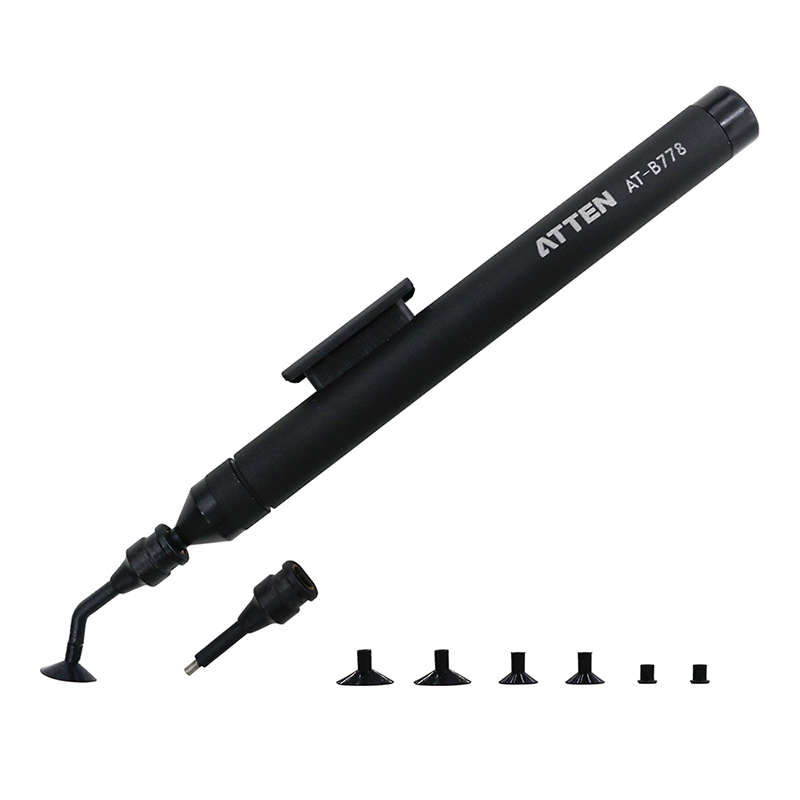
Accessories in this package are best understood as the layer that helps the main tools sit, connect, interact with vacuum-related tasks, or receive basic maintenance support. The visible support group includes items such as the S-28 soldering iron stand, S-21 desoldering gun stand, H-06 hot air gun bracket, S-27 tweezer stand, soldering iron stand connection wire, tweezer stand connection wire, power cord, manual, and Certificate of Conformity. The visible vacuum and cleaning group includes the vacuum soldering pen, suction cups, suction nozzles, desoldering nozzles, needle cleaners, O-rings, dust absorption sponges, desoldering tube inner spring, desoldering tube front plugs, straight shank twist drill bit, vacuum generator filter paper, open-end wrench, and needle cleaning kit box. These names are commercially useful because they help the reader see the package as more than a main unit with four hand tools, but they still should not be presented as a complete service policy or replacement program.
Stands, brackets, connection wires, and the power cord mainly help editors explain how the package is organized around a working bench. They signal that the soldering iron handle, desoldering gun, hot air gun, and electric tweezers are not described as loose items without placement or connection support. That matters for B2B content because a repair bench buyer often wants to understand whether a package is a usable equipment set or only a device body with separately sourced accessories. However, support parts should stay within that content role. A stand or bracket should not be described as proof of a particular workflow, safety system, ergonomic rating, or long-term durability unless a technical document states it directly.
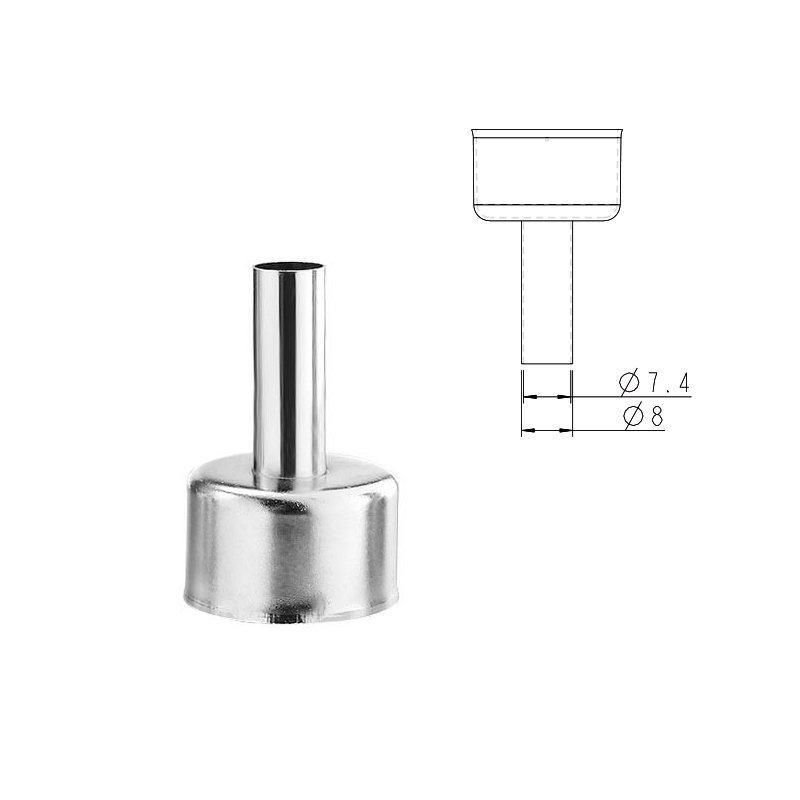
Vacuum soldering pen items, suction cups, suction nozzles, desoldering nozzles, O-rings, filter paper, sponges, springs, plugs, and cleaning tools indicate that vacuum-related handling and desoldering maintenance are part of the visible package environment. They also help explain why rework station consumables and accessories need separate treatment in product copy. What they do not prove is suction strength, nozzle compatibility across other models, maintenance frequency, or expected service life. For content editors, this boundary prevents a common error: turning every small part into a promise. The better approach is to say that these items support vacuum, nozzle, cleaning, and upkeep-related page understanding, while detailed fit, service interval, and replacement instructions should be confirmed through the official manual or technical support material.
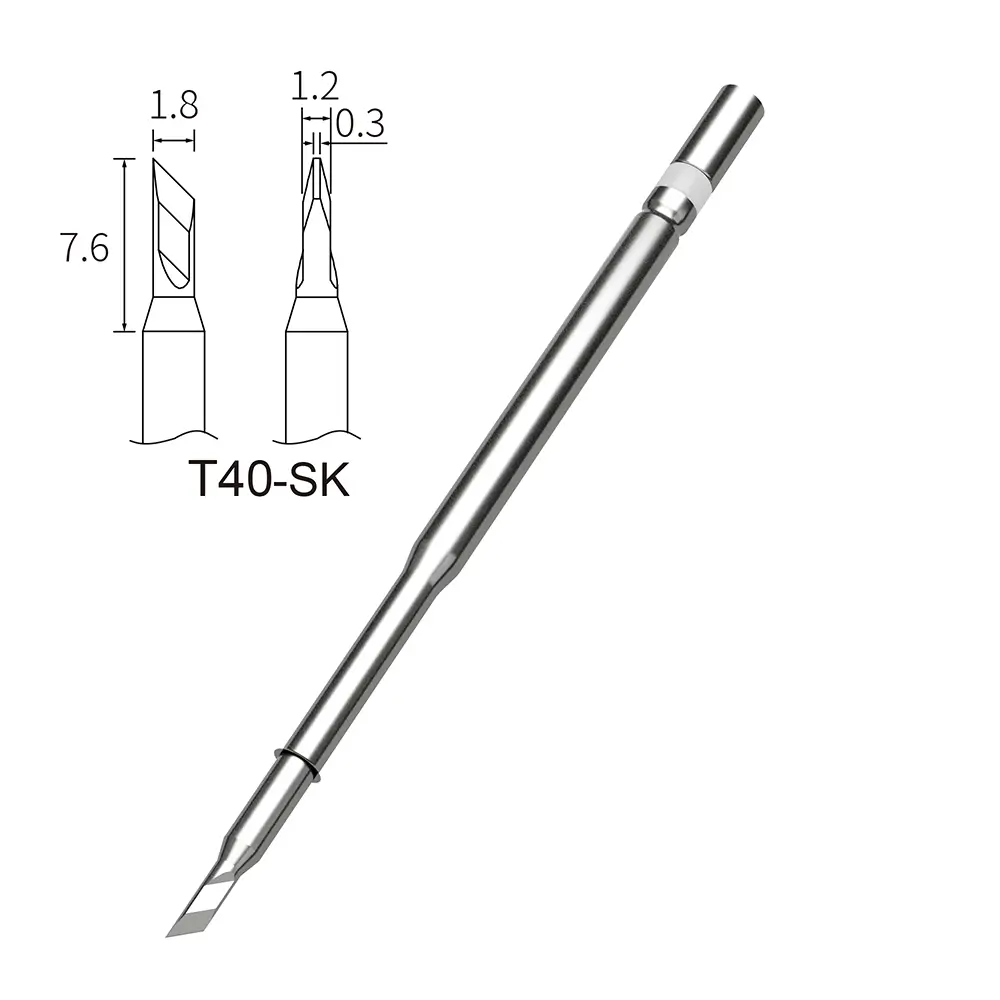
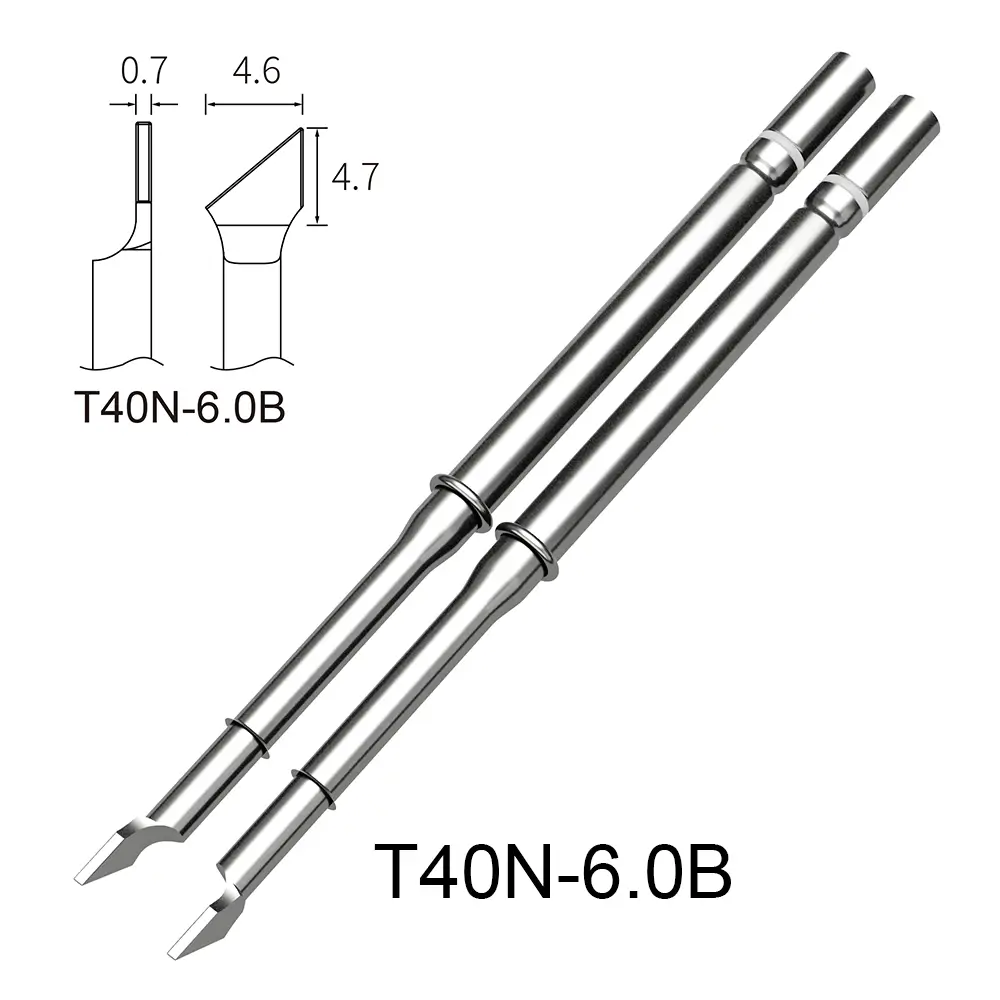
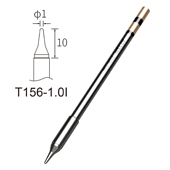
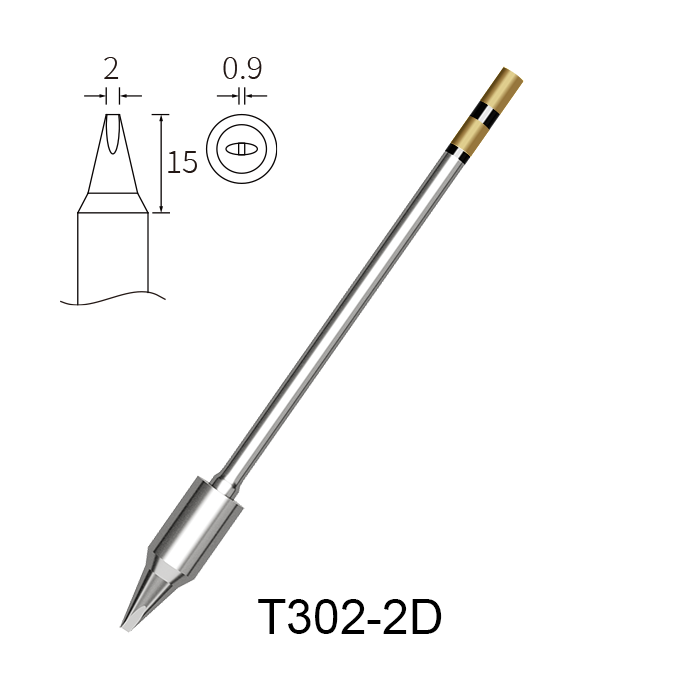
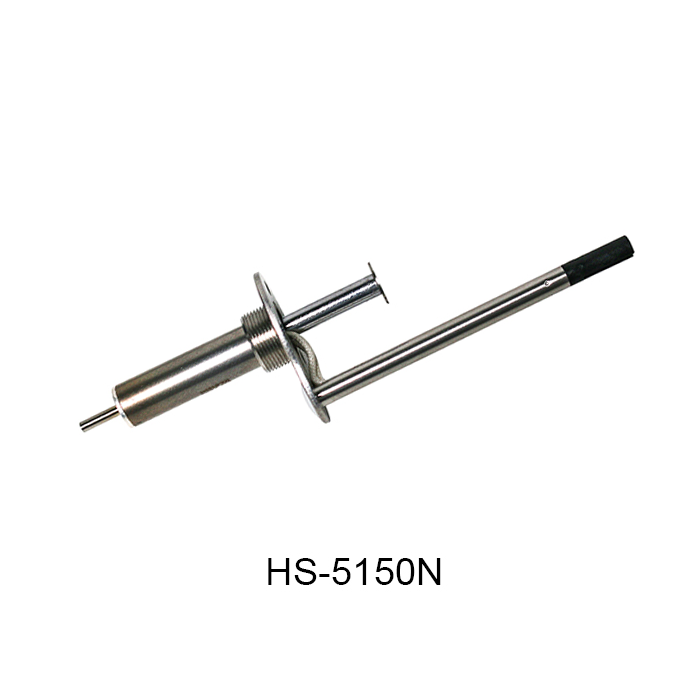
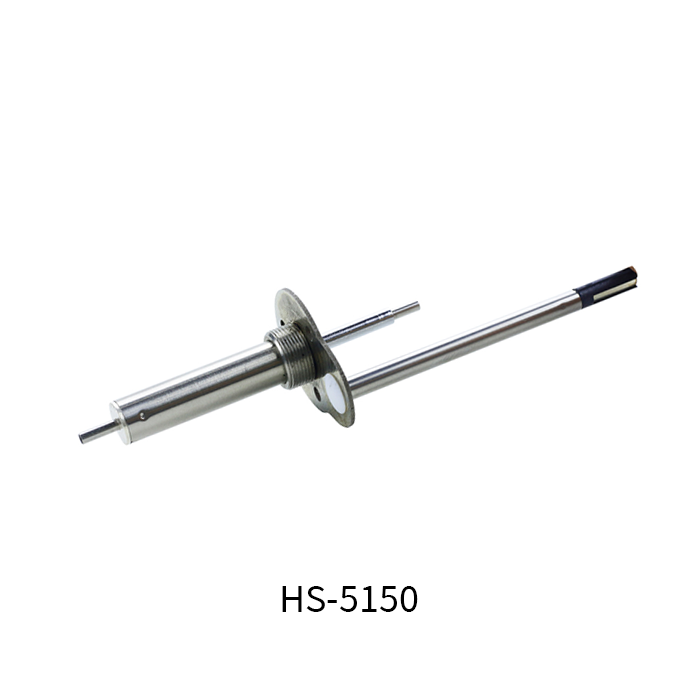
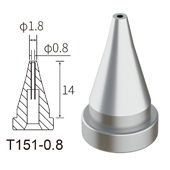
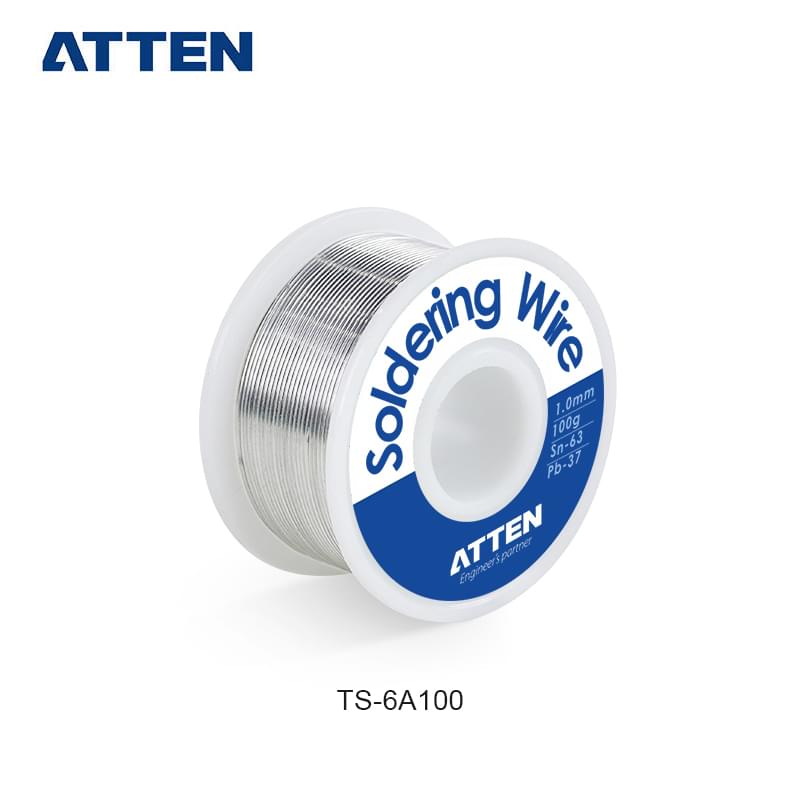
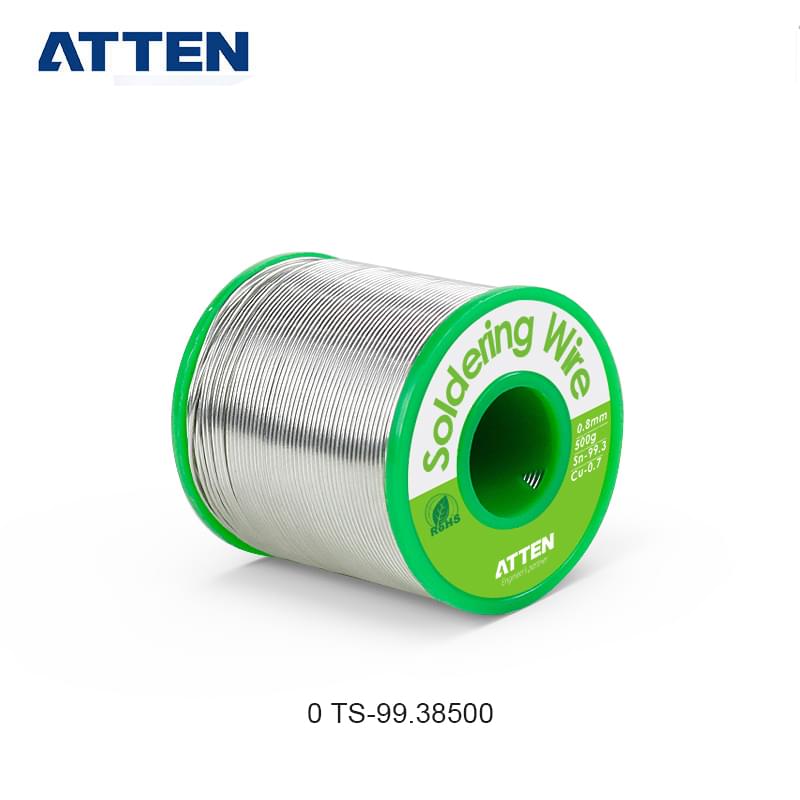
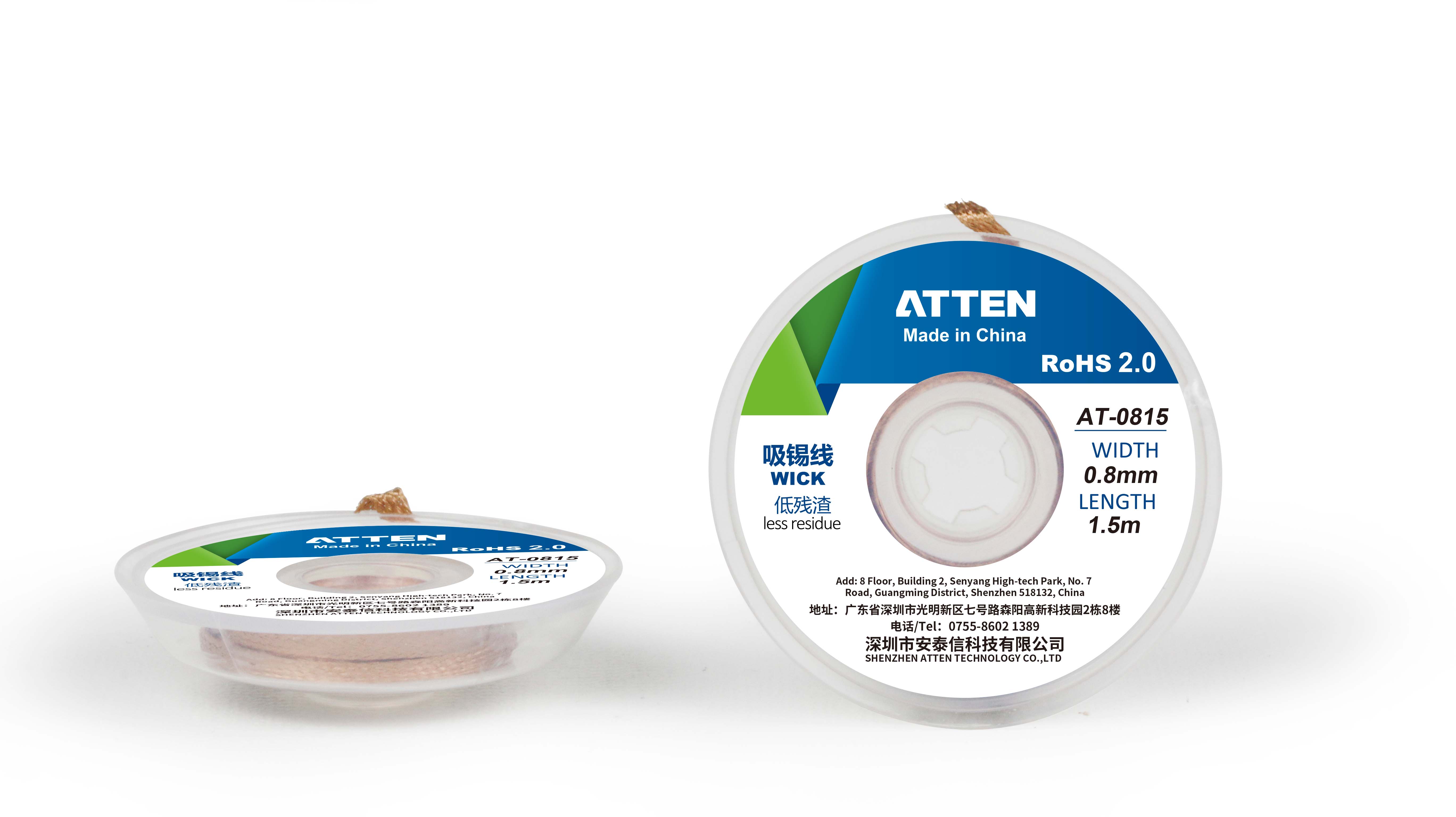
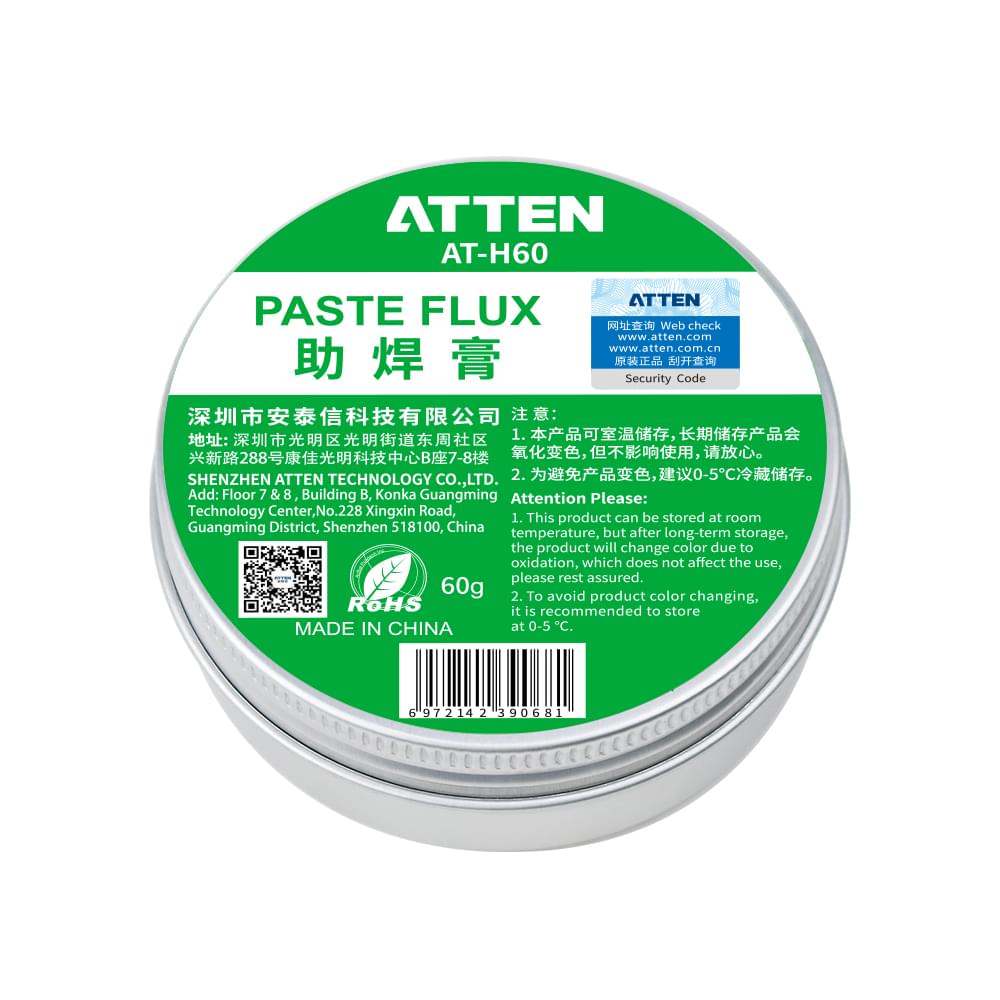
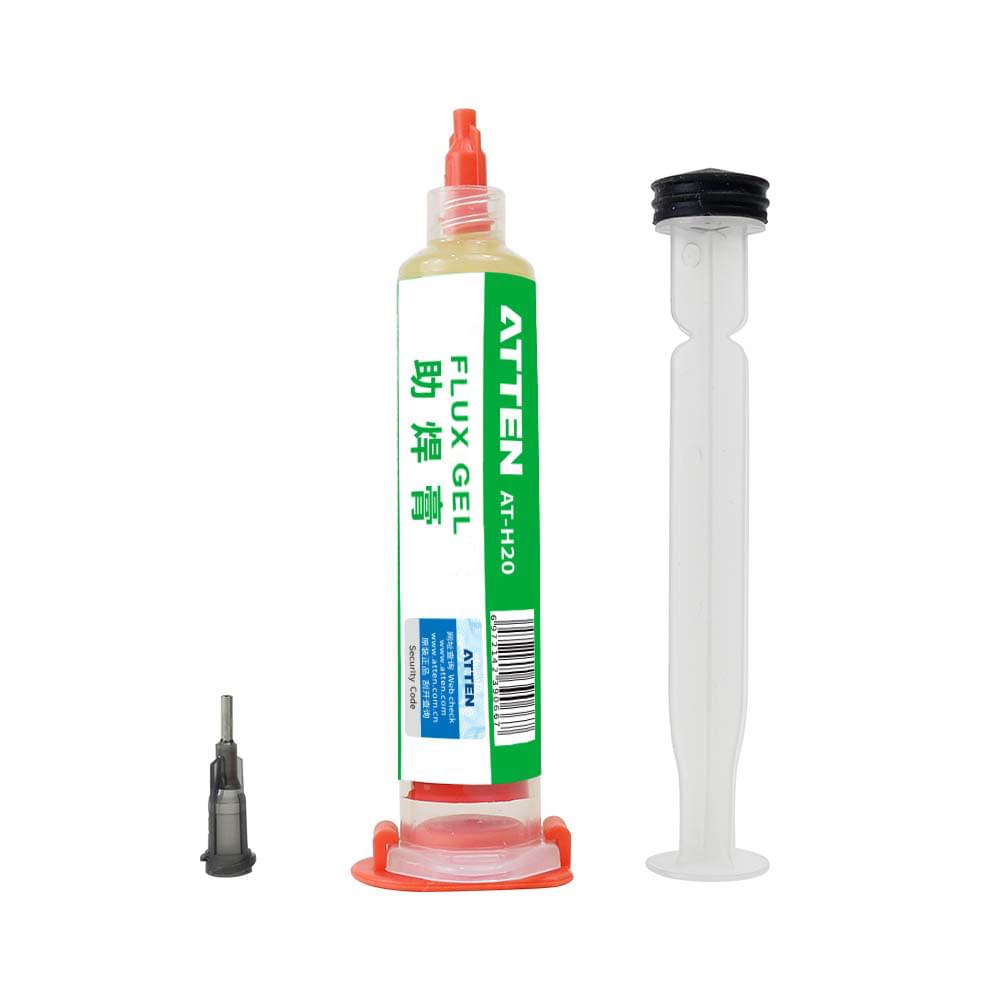
The Consumables and Download sections serve a different editorial purpose from the package contents list. Visible consumable names such as T40N, T40, T151, 850 Series, and T156 help a reader recognize that the MS-1600 content environment includes replaceable or replenishable items. That is valuable for B2B product communication because repair benches and electronics assembly environments rarely evaluate only the main device; they also need to understand whether named consumables appear near the product information. Still, a consumables section is not the same as a confirmed replacement schedule. It should not be used to claim fixed intervals, long-term stable pricing, universal compatibility, or guaranteed availability across regions. At most, it supports a careful statement that these consumable groups are visible in relation to the MS-1600 content environment and should be reviewed in their own section. The Download section has its own role. MS-1600 User Manual, Atten Tool V2.33, and MS-1600 Product video are useful entry points for a technical content editor because they indicate that manual, software/tool, and video resources exist for further reading. The phrase “MS-1600 user manual download” can be used when the reader’s task is to locate the manual entry, but the existence of a download link should not be expanded into claims about full technical coverage, version suitability, training content, or support response. For commercial writing, the right use is modest: the manual download may help editors check official naming, package terminology, operation-related wording, and possibly version-specific instructions, while Atten Tool V2.33 and the product video should be treated as separate downloadable or viewable resources rather than proof of a broader support promise. This separation also keeps the article distinct from a product definition piece or a compliance verification piece. The topic here is not to redefine the MS-1600 4 in 1 Intelligent Rework Station category, and it is not to validate certification, safety, or support claims. It is to help editors read the visible material structure: operating tools, support accessories, vacuum and cleaning items, consumables, and downloads. That reading improves B2B content accuracy because each item can be placed in the right editorial bucket. A clear product page description can then direct readers to review the Accessories, Consumables, and Download sections for their own evidence, without implying unconfirmed specifications, replacement rules, or commercial terms.
MS-1600 accessories and consumables should be read as a layered product information structure, not as a loose list of model names. The GT-Y151, GT-X151, SP-202D, and GT-N080 define the core operating tool layer; stands, wires, brackets, vacuum items, nozzles, and cleaning parts explain the accessory environment; T40N, T40, T151, 850 Series, and T156 belong in the consumables layer; and the MS-1600 User Manual, Atten Tool V2.33, and product video belong in the download layer. For a technical content editor working on ATTEN Soldering Equipment content, the next useful step is to keep these page roles separate while reviewing the Accessories, Consumables, and Download sections.
Q:What are the main accessory groups shown for the MS-1600 rework station?
A:The main groups are core operating tools, support parts, vacuum-related items, nozzle and cleaning parts, consumables, and download resources. The operating tools include the GT-Y151 soldering iron handle, GT-X151 desoldering gun, SP-202D hot air gun, and GT-N080 electric tweezers. The accessory layer includes stands, brackets, connection wires, suction items, desoldering nozzles, O-rings, sponges, filter paper, cleaning tools, and similar maintenance-related parts.
Q:Do MS-1600 consumables prove a fixed replacement schedule?
A:No. Visible consumables such as T40N, T40, T151, 850 Series, and T156 help identify consumable categories connected with the MS-1600 content environment, but they do not prove a fixed replacement interval, long-term price, universal compatibility, or expected service life. Replacement timing and fit should be checked through the relevant manual, technical material, or direct product support source.
Q:What can the MS-1600 user manual download tell a product content editor?
A:The MS-1600 user manual download can help a product content editor confirm official wording, package terminology, operating references, and document-level instructions when available. It should be treated as a source for content clarification, not as automatic proof of specifications, certification scope, replacement schedules, software compatibility, or complete support coverage unless those details are clearly stated in the document.
How to Solder: Through-Hole Soldering - SparkFun Learn
Knowledge Base - Kester Soldering Basics

Copyright © 2025 SHENZHEN ATTEN TECHNOLOGY CO., LTD All Reserved.